Working with Models from Other CAD Systems in KOMPAS-3D CAD Software

We use cookies to help provide you with the best possible online experience

Design with ASCON Solutions:
Powerful Functionality • Easy-Learning • Cost-Effective

Working with Models from Other CAD Systems

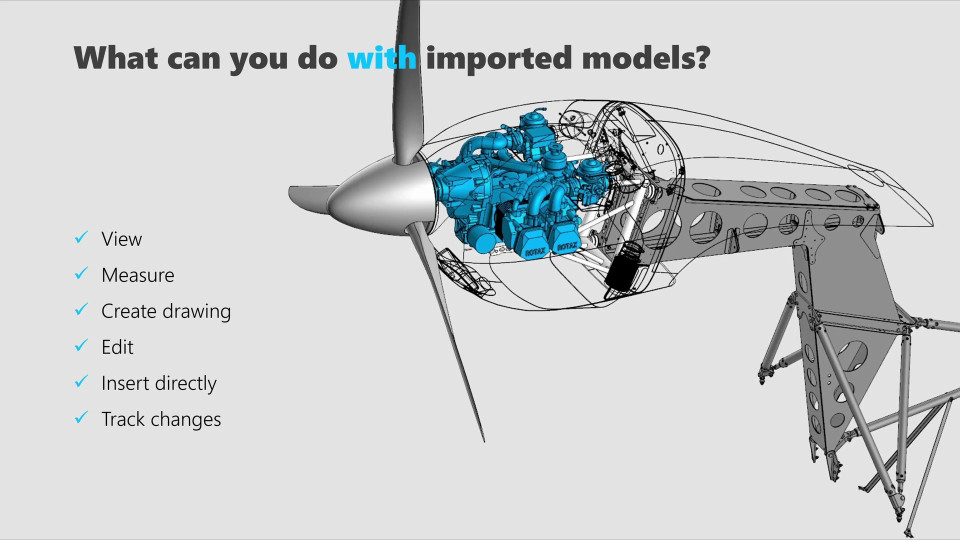
In this course, you’ll learn: - Which 3D models can be exported and imported - How to export KOMPAS-3D files to other formats and configure export settings - How to import a solid part, a sheet metal part, and an assembly - Techniques to edit geometry using both standard and direct modeling commands - How to insert components directly into an assembly - How to modify properties of imported models and generate their drawings
01 Export 3D Models (6:25)
In this lesson, you'll learn how to export files created in KOMPAS-3D to other formats and configure export settings.
02 What 3D models can be imported (5:14)
In this video, you’ll learn which file formats KOMPAS-3D supports for import and their key features.
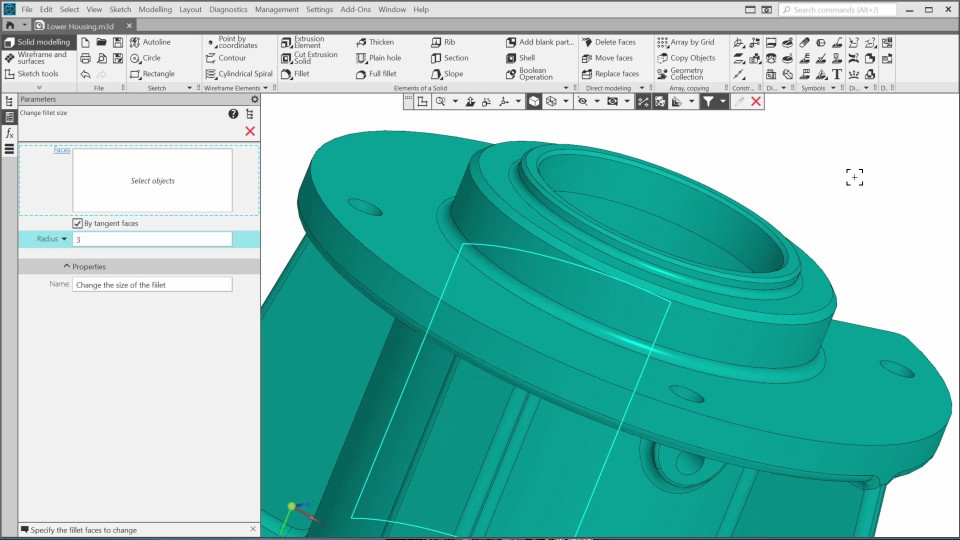
03 Import a 3D Solid Part Model (4:45)
In this video, you’ll learn how to import a part model. We’ll edit the part geometry and properties and generate a drawing.
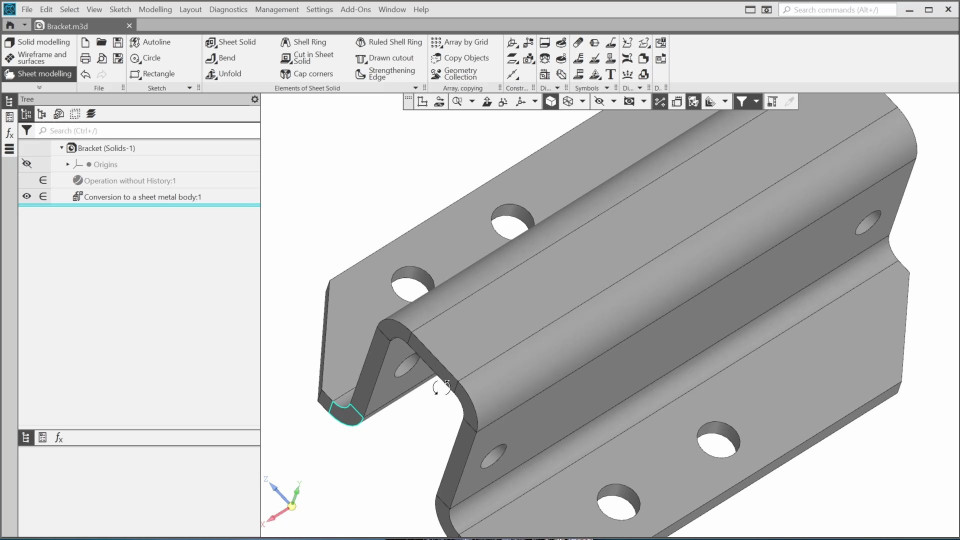
04 Import a 3D Sheet Metal Part Model (3:47)
In this video, you’ll learn how to import a sheet metal part, how to modify it and generate its drawing.
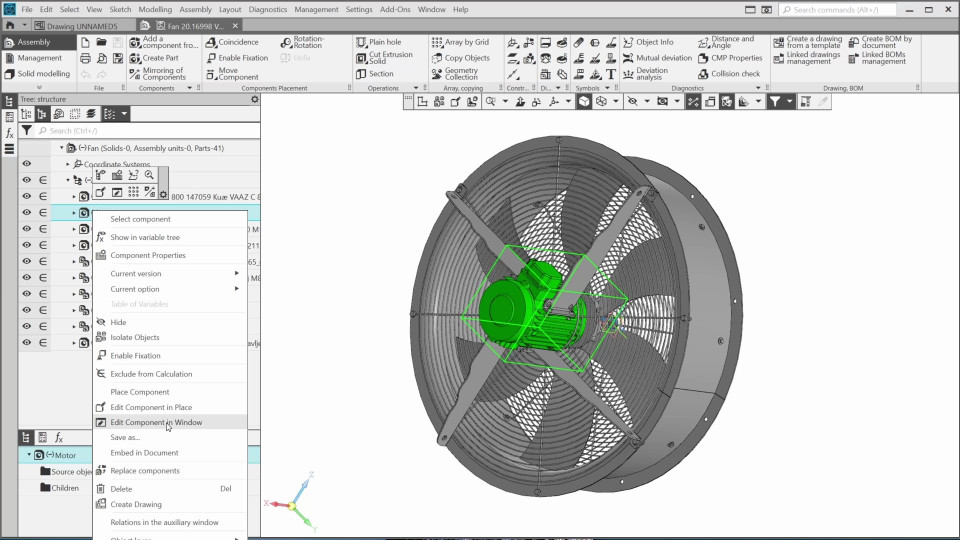
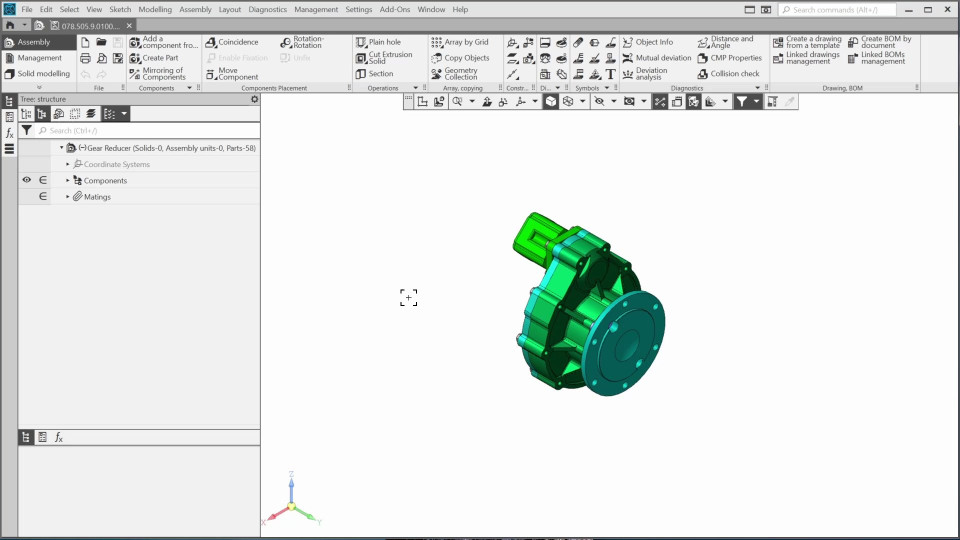
05 Import an Assembly and Direct Insertion (5:13)
In this video, I’ll show you how to import a 3D assembly model in Kompas-3D, what is possible to do with the imported assembly, and how to insert a component into an assembly directly without changing its extension.

The content on this page is available to authorized users only. Please sign in.