Online academy: Videos

We use cookies to help provide you with the best possible online experience

Design with ASCON Solutions:
Powerful Functionality • Easy-Learning • Cost-Effective

Working with DWG drawings in KOMPAS-3D

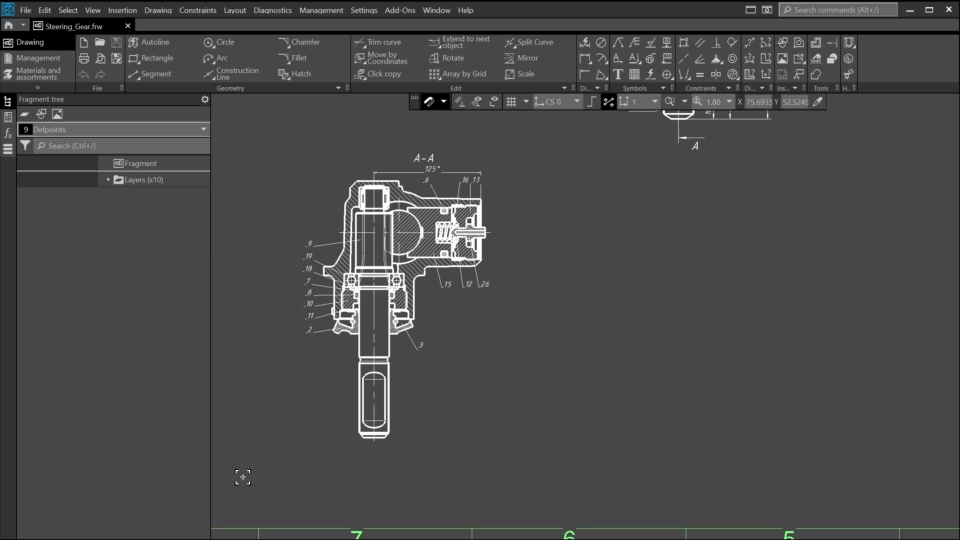
In the course, you’ll learn how to import DWG drawings into KOMPAS-3D and how to work with imported drawings to solve different tasks.
1. 2D Documents (08:07)
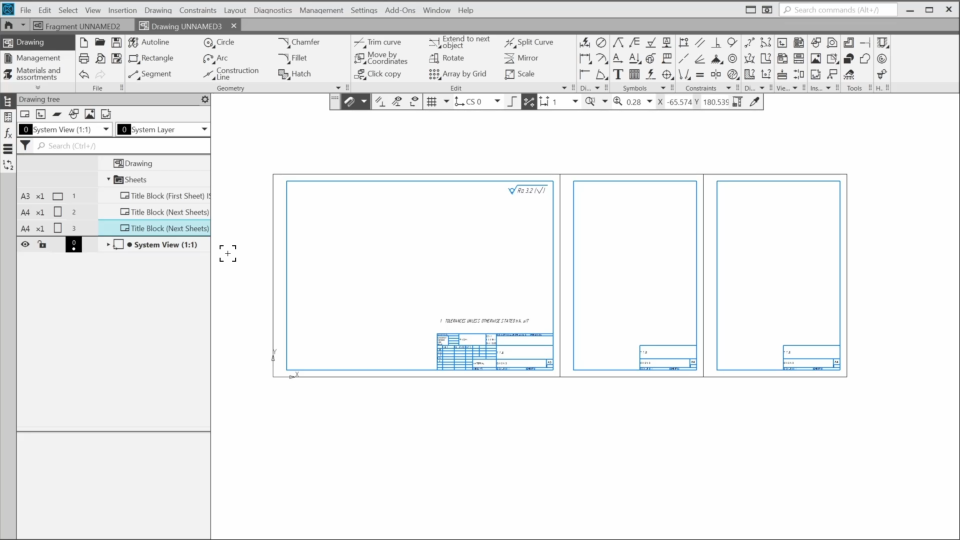
In the first video, we’ll explore the two types of 2D documents you can create in KOMPAS-3D. We also cover some basics and share our recommendations on what to keep in mind when importing and working with 2D drawings.
2. DWG Import. The First Scenario (11:00)
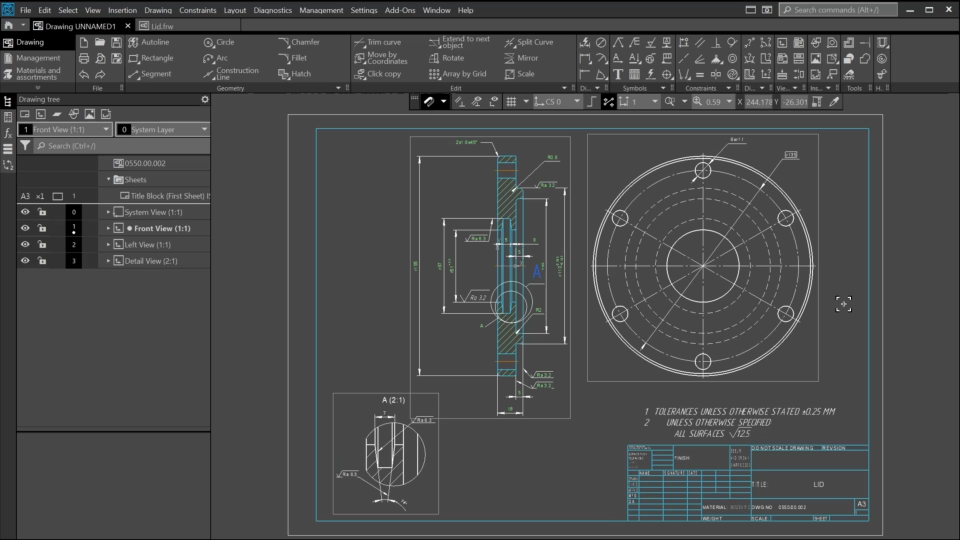
In this lesson, the first scenario for working with imported 2D drawings will be demonstrated. The first scenario involves importing a DWG drawing and converting it into a KOMPAS-3D drawing so that it can be modified and refined.
3. DWG Import. The Second Scenario (2:21)
In the second scenario, we use the DWG drawing as a base illustration for creating other documents.
4. DWG Import. The Third Scenario (7:34)
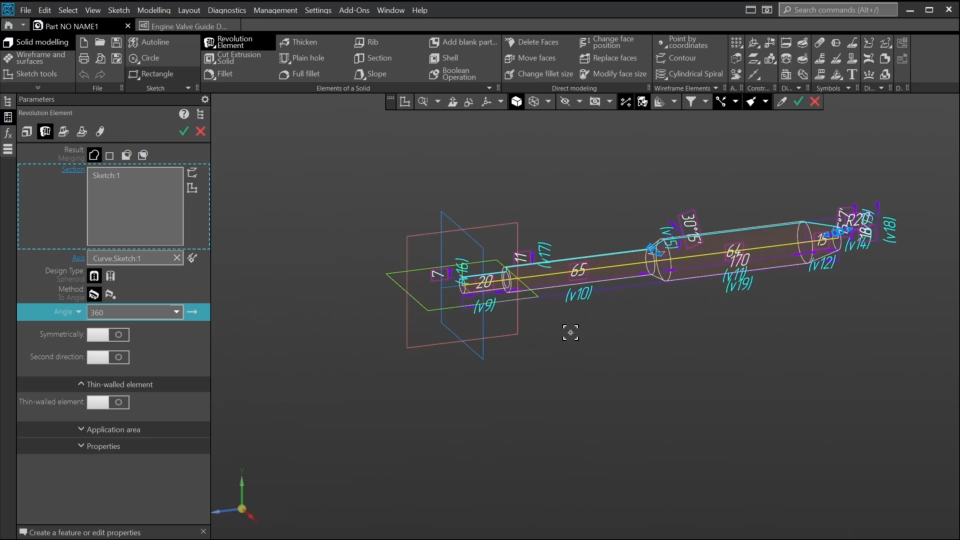
In the third scenario, we need to use 2D geometry to create a 3D-model in KOMPAS-3D. We’ll also need to parameterize the geometry and use data from the drawing to set the model’s properties.

The content on this page is available to authorized users only. Please sign in.