Online academy: Videos

We use cookies to help provide you with the best possible online experience

Design with ASCON Solutions:
Powerful Functionality • Easy-Learning • Cost-Effective

04 The Crank Handle

In this course, the fourth in the “Quick Start” series, You'll know how to create a simple assembly consisting of three components. You’ll also add balloons to the assembly and design a bill of materials based on a custom report style.
01. Adding components (06:50)
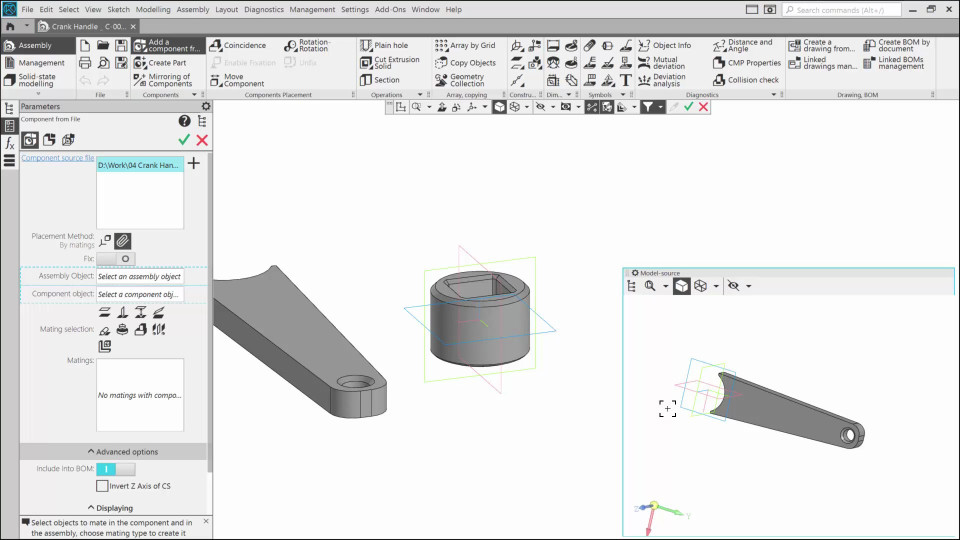
In this lesson, you'll learn how to create a 3D assembly using ready-made parts.
02. Creating the Assembly Drawing (02:37)
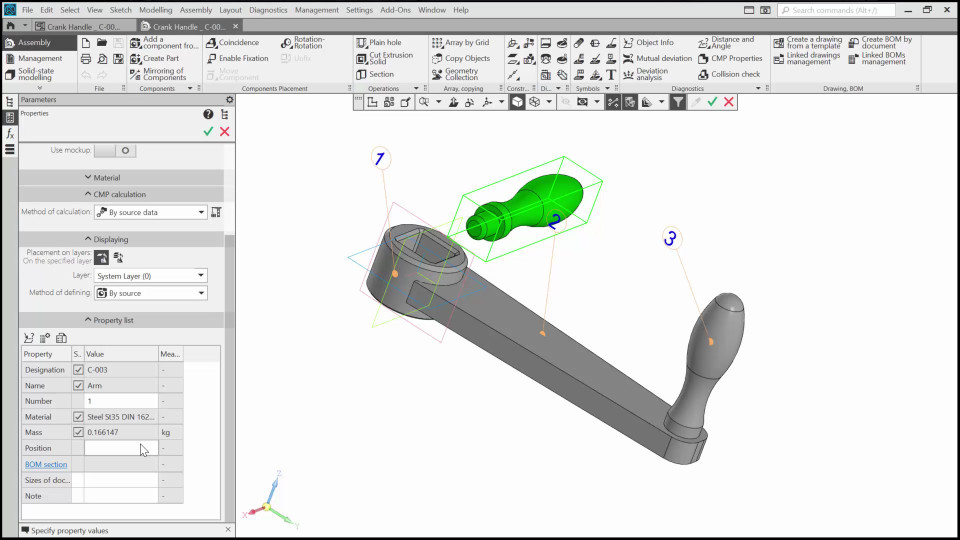
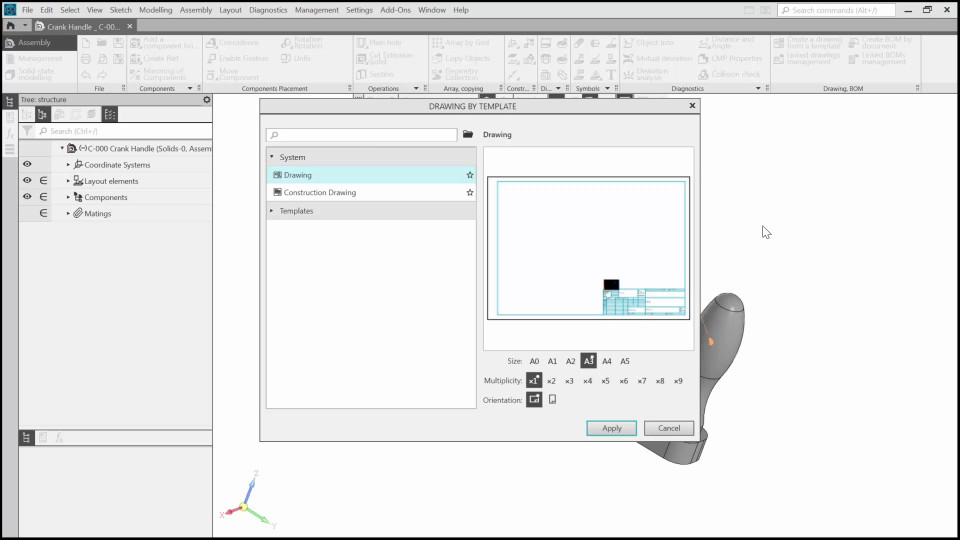
In this video, we’ll add balloons to the assembly, generate views for the drawing, and add a break-out section.
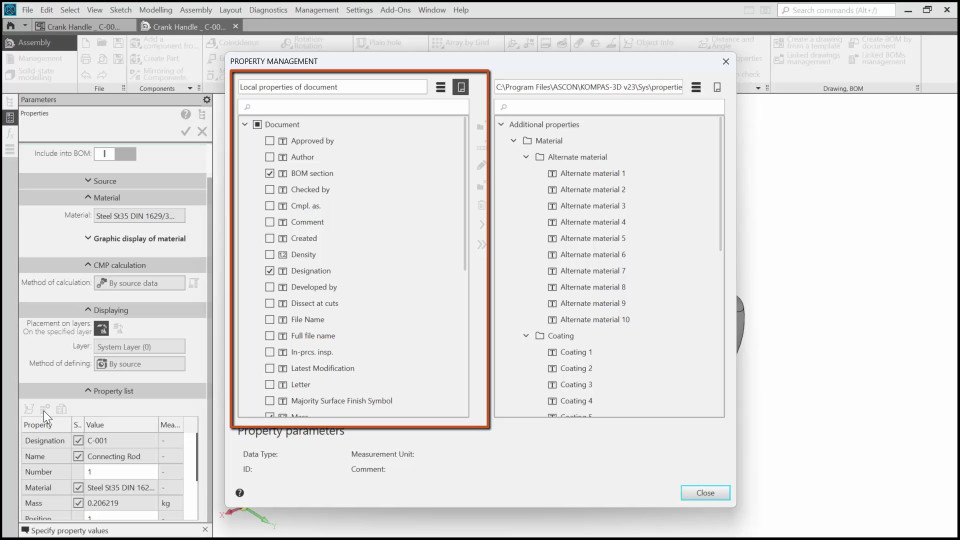
03. Adjusting the Parts Properties (02:47)
In this video, we’ll learn how to adjust the assembly part properties to prepare the assembly for the creation of the bill of materials.
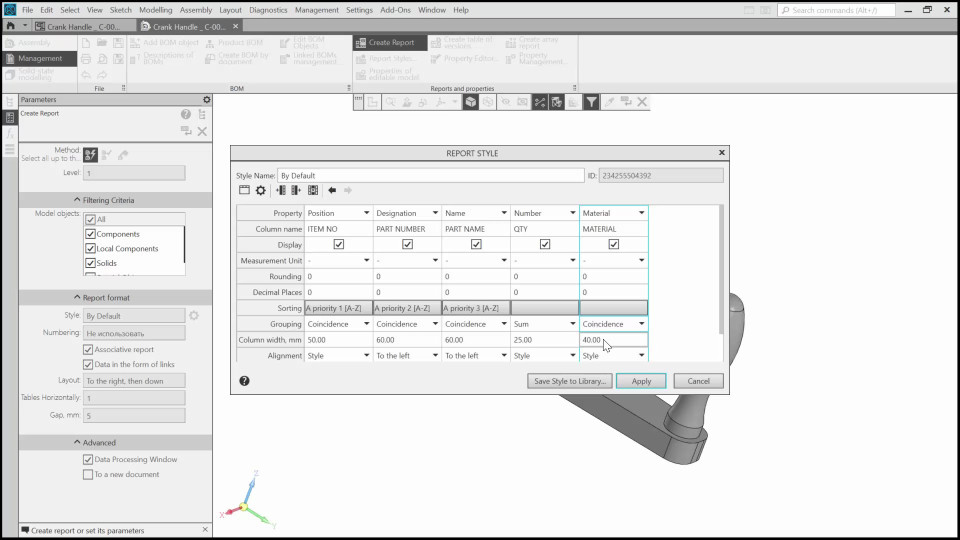
04. Creating a New Report Style (05:45)
In this video, we’ll start creating the bill of materials and set up a new report style.
05. Adjusting the Bill of Material (06:09)
In this video, we’ll finish creating the report and test how it works.

The content on this page is available to authorized users only. Please sign in.