Reverse Engineering in KOMPAS-3D

We use cookies to help provide you with the best possible online experience

Design with ASCON Solutions:
Powerful Functionality • Easy-Learning • Cost-Effective

Reverse Engineering in KOMPAS-3D

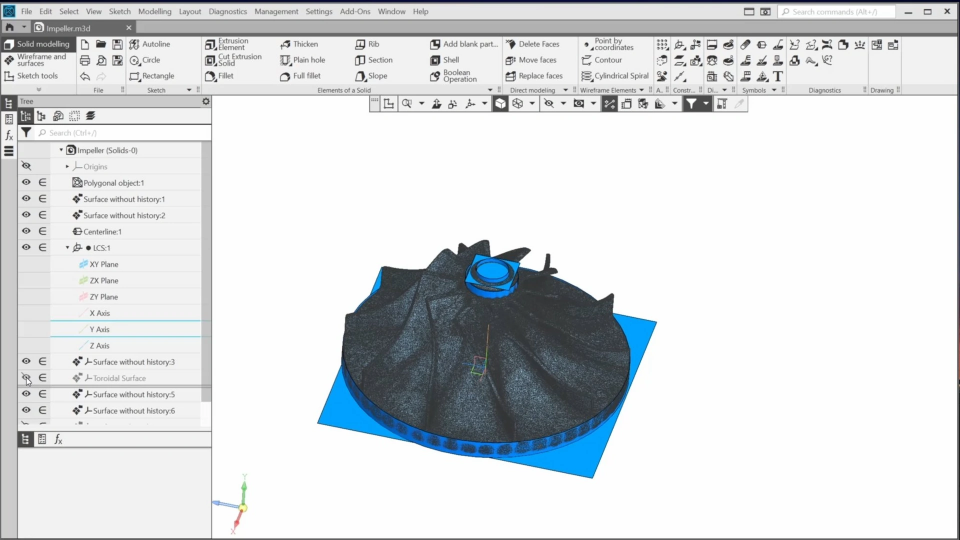
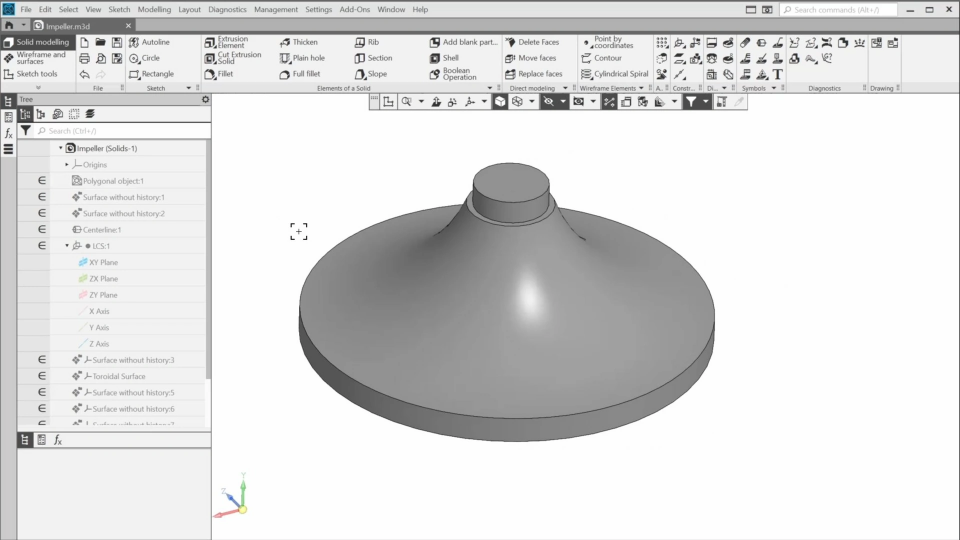
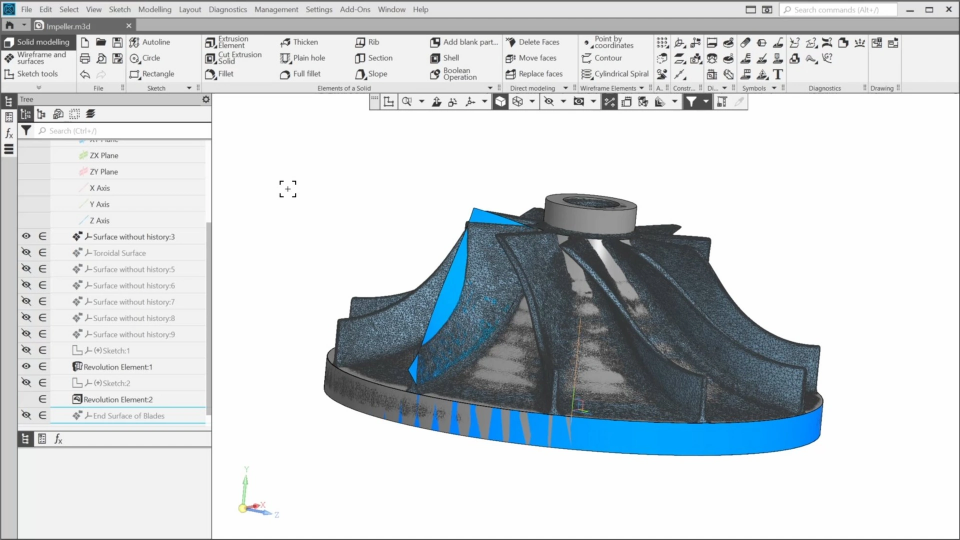
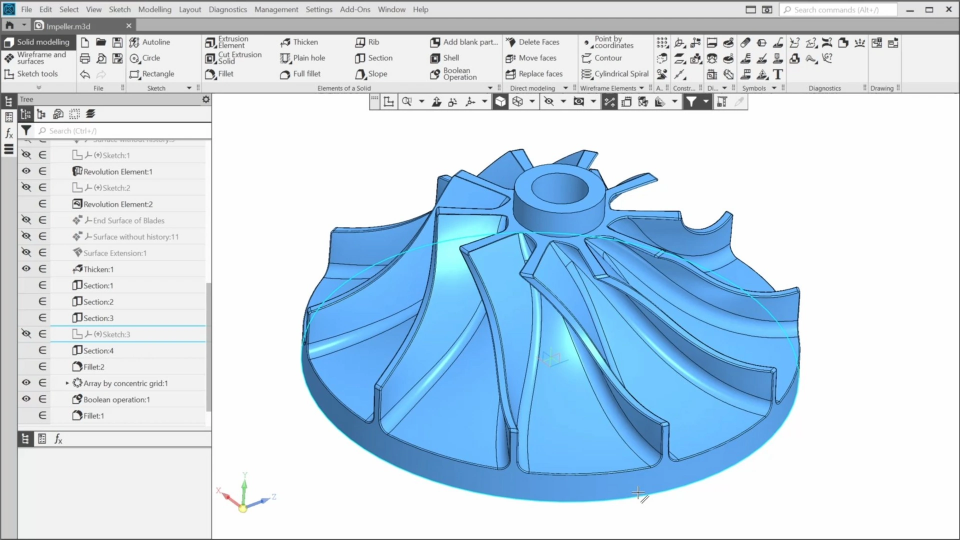
In this course, you’ll get acquainted with an approach to reverse engineering using KOMPAS-3D. You’ll learn which tools KOMPAS-3D provides for restoring a precise model based on a scanned model. To do this, we’ll open the scanned impeller model in KOMPAS and approximate its elements, allowing us to snap to them and create elements of the precise impeller model. We’ll control the approximation using the analysis tool. Finally, we’ll refine the model by adding standard elements such as chamfers and fillets.
01 Base Definitions (4:31)
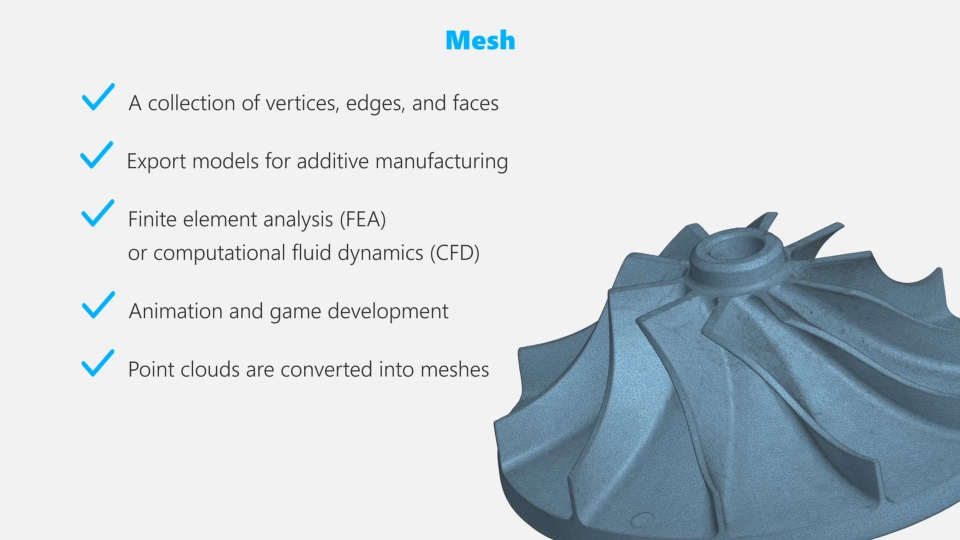
In the first lesson, we’ll go over some key definitions related to reverse engineering.
02 An approach to Reverse Engineering Using KOMPAS-3D (3:31)
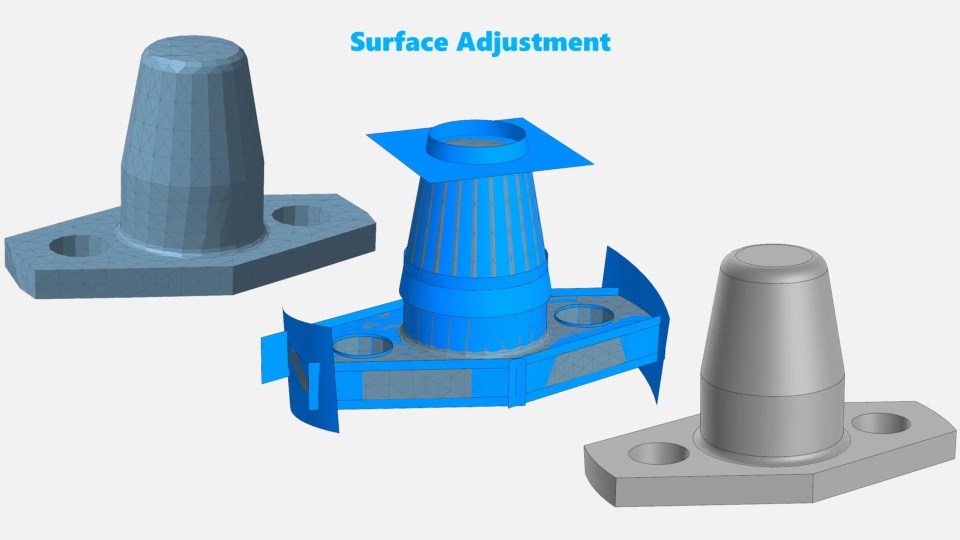
In this lesson, we’ll get acquainted with a reverse-engineering approach that uses Kompas-3D for precise modeling based on scanned data.
03 Creating a Local Coordinate System (6:23)
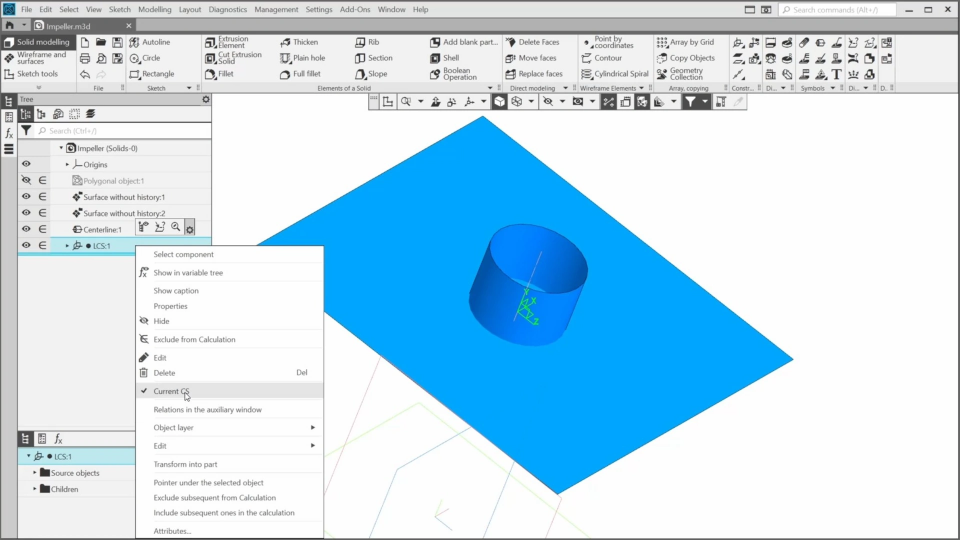
In this lesson, we’ll approximate the impeller bottom plane and the internal cylindrical surface, and create a local coordinate system based on the approximated surfaces.
04 Approximating and Deviation Analysis of the Cylindrical Surface (3:16)
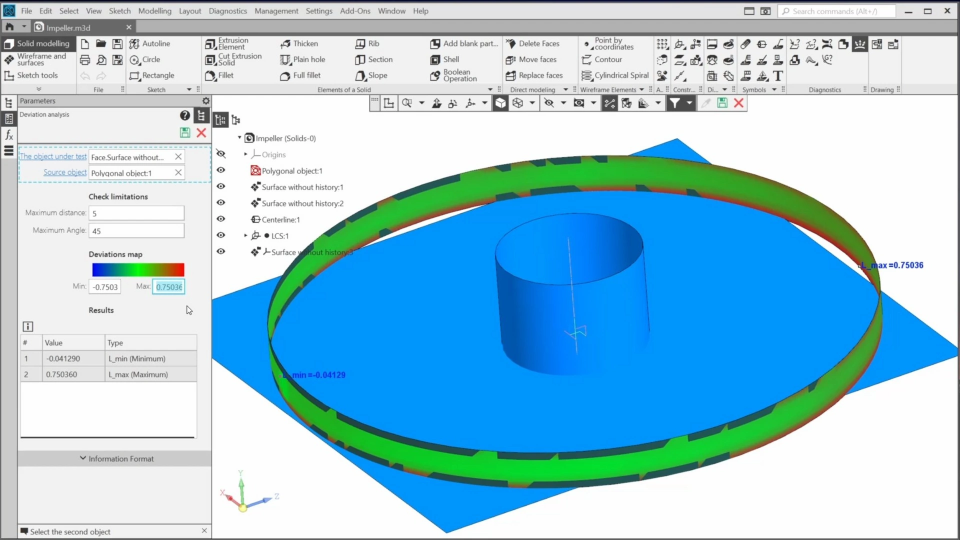
In this lesson, we’ll approximate the cylindrical surface of the Impeller and perform a deviation analysis for it.
05 Creating the Toroidal Surface (3:47)
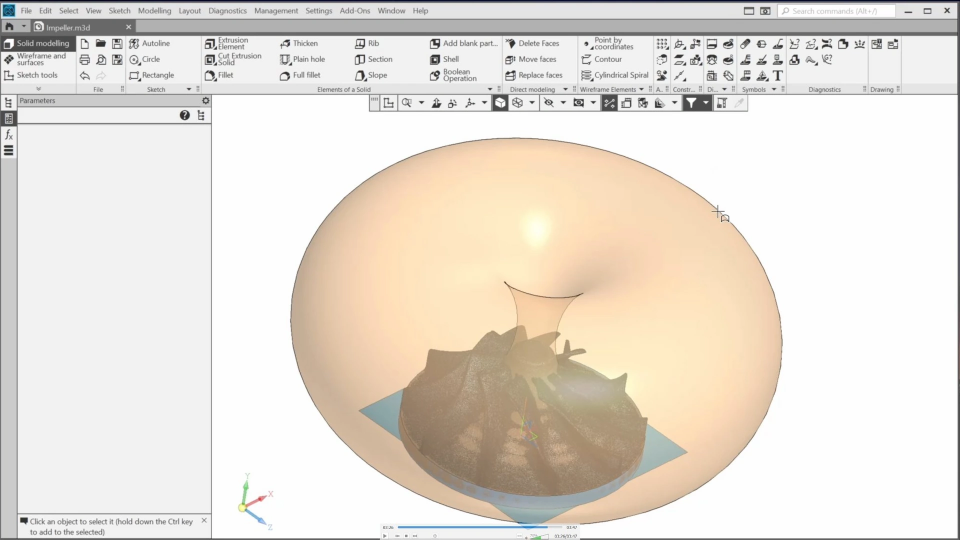
In this lesson, we’ll continue modeling the impeller and approximate the toroidal surface of the impeller hub.
06 Approximating the Outer Hub (3:48)
In this video, we’ll approximate the outer hub - this upper cylindrical part.
07 Creating the Impeller Hub (4:40)
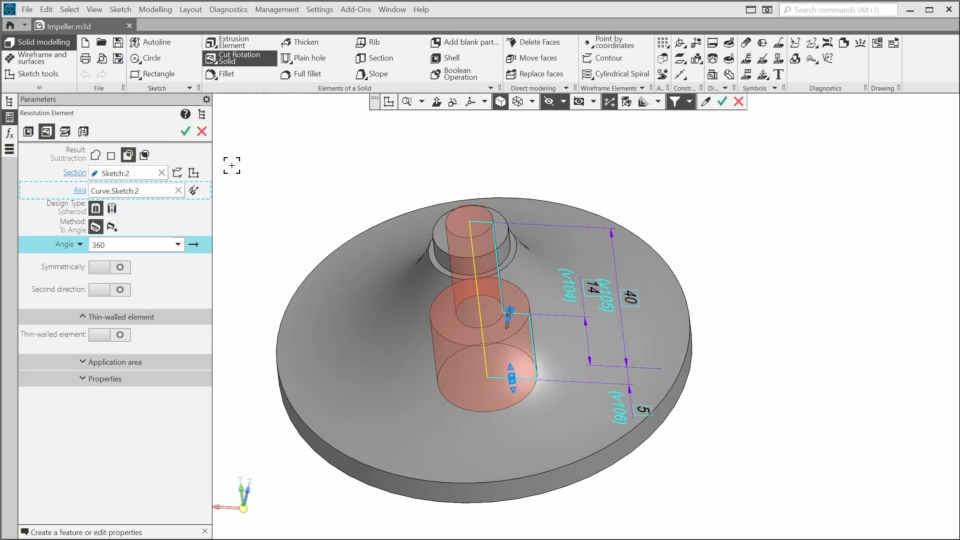
In this lesson, we’ll use the approximated elements to create a sketch. The sketch will contain the contour for the revolution element of the impeller hub.
08 Creating the Hole (4:32)
In this lesson, we’ll add the hole to the impeller model.
09 Approximating the Blade (4:56)
In this lesson, we’ll approximate one of the blades.
10 Modeling the Blade (4:32)
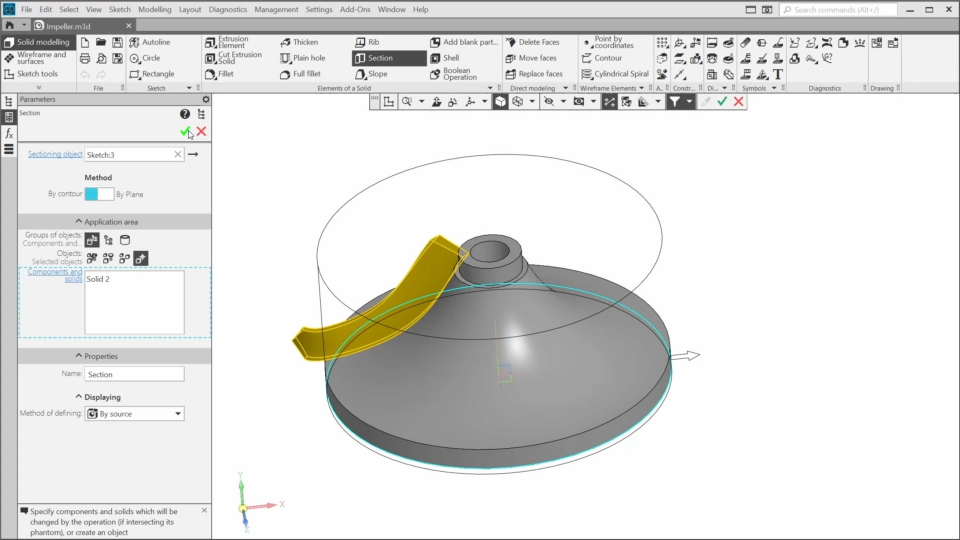
In this lesson we’ll model the first blade based on the approximated surface.
11 Creating the Blade Array (4:39)
In this lesson, we’ll create an array of the blades and complete the impeller model.