Course on Renga BIM software interface and most frequently used functionality.

We use cookies to help provide you with the best possible online experience

Design with ASCON Solutions:
Powerful Functionality • Easy-Learning • Cost-Effective

Renga Quick Start

Welcome to the series of Renga lessons for beginners. The Quick start course is the first one.
Here you’ll get familiar with the Renga interface and most frequently used functionality.
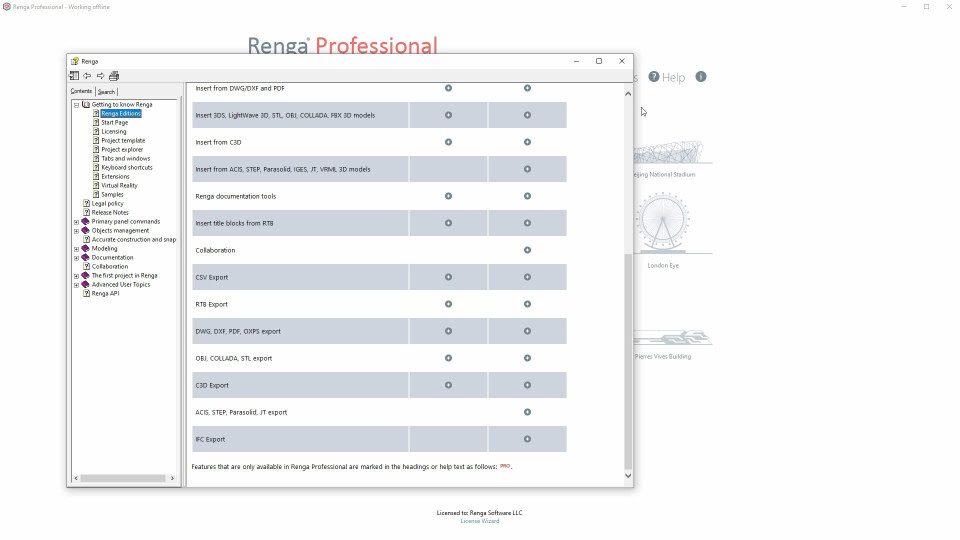
1. User interface and basic Renga principles (5:53)
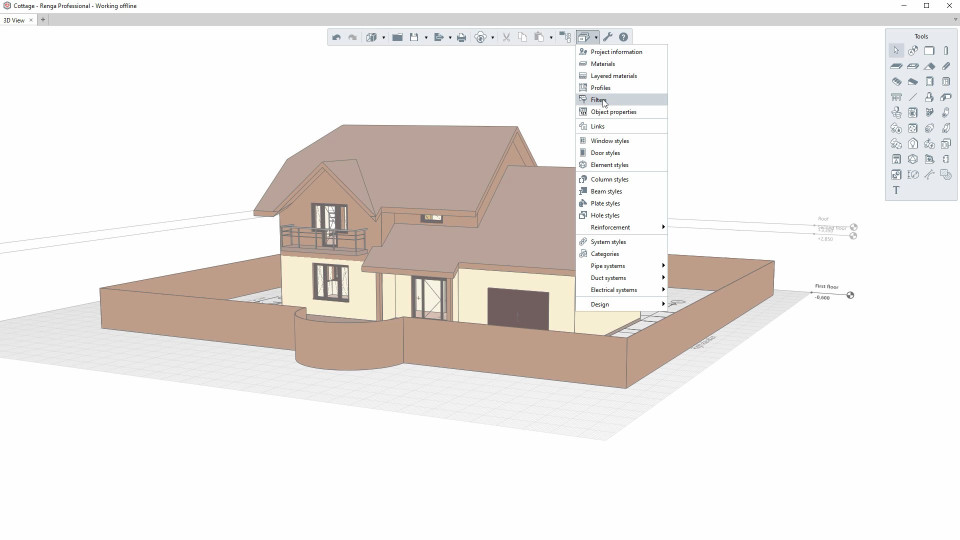
In this video, we’ll learn how to create a new project, navigate in 3D View, and work with Renga panels.
2. Accurate construction and snaps (6:15)
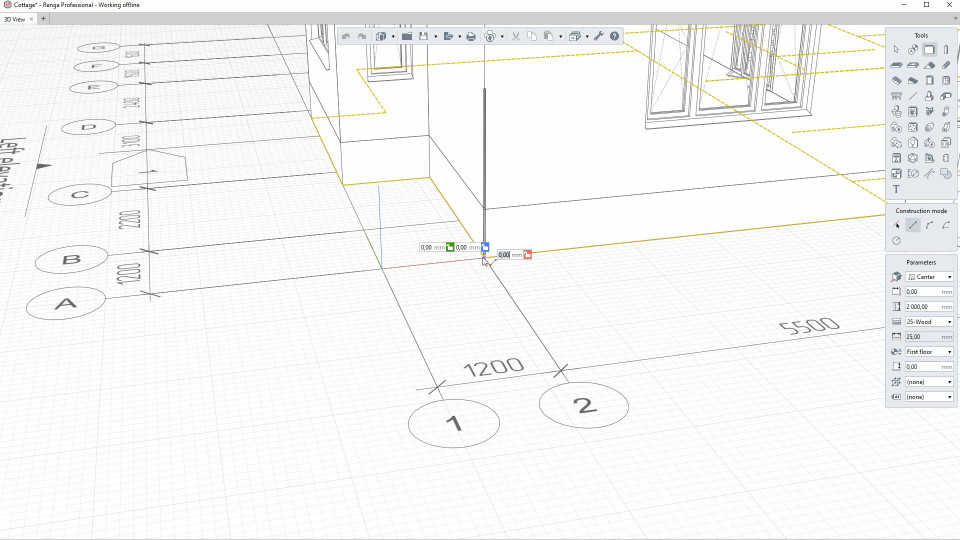
In this video, we’ll learn how to work with 2D/3D measure modes, and use tracking snaps.
3. Objects management (6:05)
In this video, we’ll learn how to perform basic actions with model objects.
4.1. Project Explorer: Levels, Sections, Elevations (7:58)
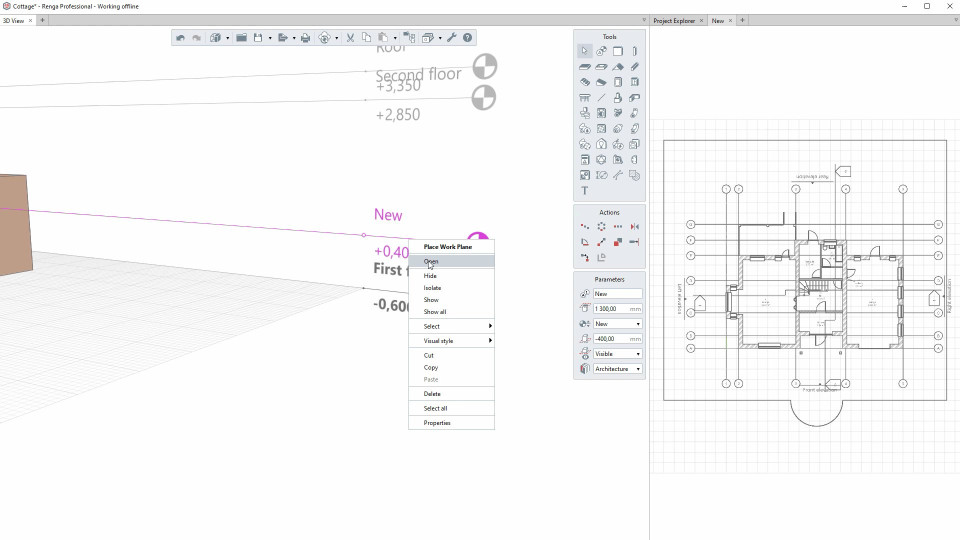
In this video, we’ll learn how to work with the project components Levels, Sections, Elevations.
4.2. Project Explorer: Assembly styles, Schedules, Tables, Engineering systems tabs, Drawings (11:08)
In this video, we’ll learn how to work with the project components Assembly styles, Schedules, Tables, Engineering systems tabs, Drawings.
5. Connecting to collaboration (5:25)
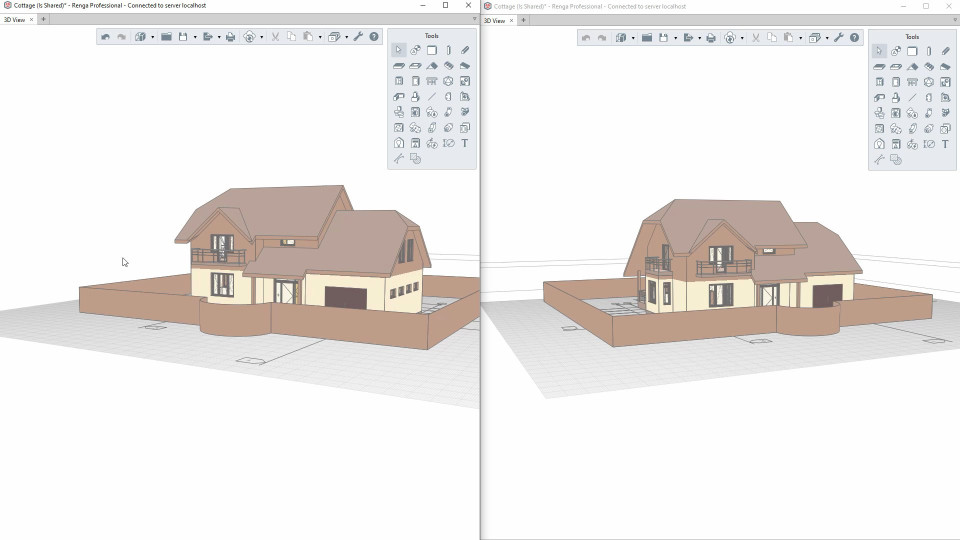
In this video, we’ll learn how to collaborate on a project, and automatically coordinate users’ changes.