APM FEM Basic Structural Analysis

We use cookies to help provide you with the best possible online experience

Design with ASCON Solutions:
Powerful Functionality • Easy-Learning • Cost-Effective

APM FEM Basic Structural Analysis

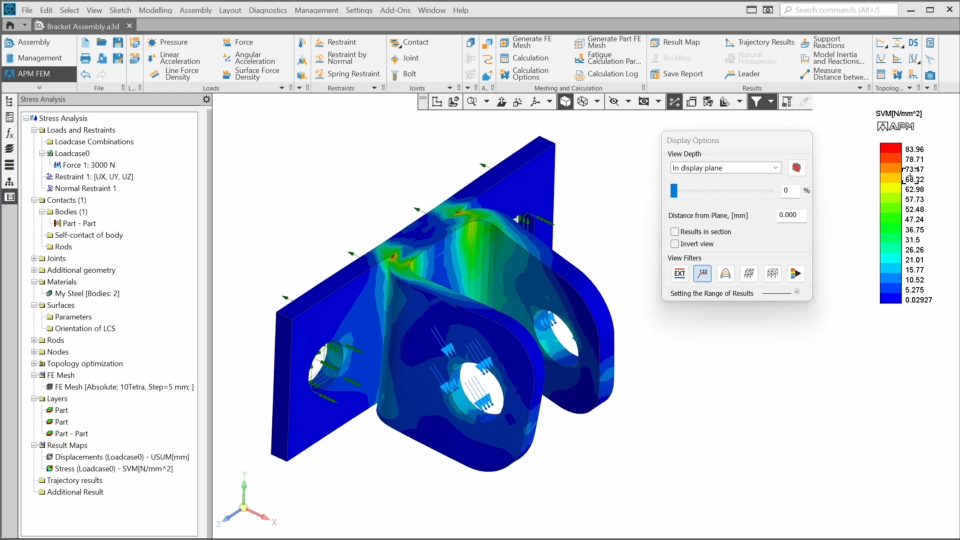
In this course, you’ll learn about the functionality of APM FEM. You’ll understand what APM FEM is, where it’s applied, what tasks it solves, what steps are required to complete an analysis. After the theoretical part, we’ll perform both linear and nonlinear static analyses on a simple assembly – a bracket – step by step.
1. APM FEM Overview (3:48)
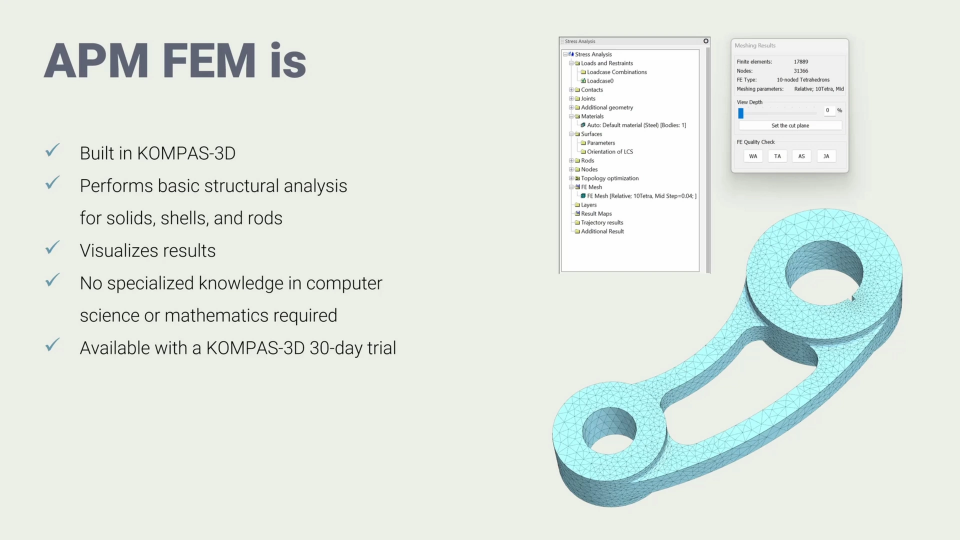
In this lesson, we'll learn what APM FEM is and what tasks it can solve.
2. Assigning Initial Conditions (5:05)
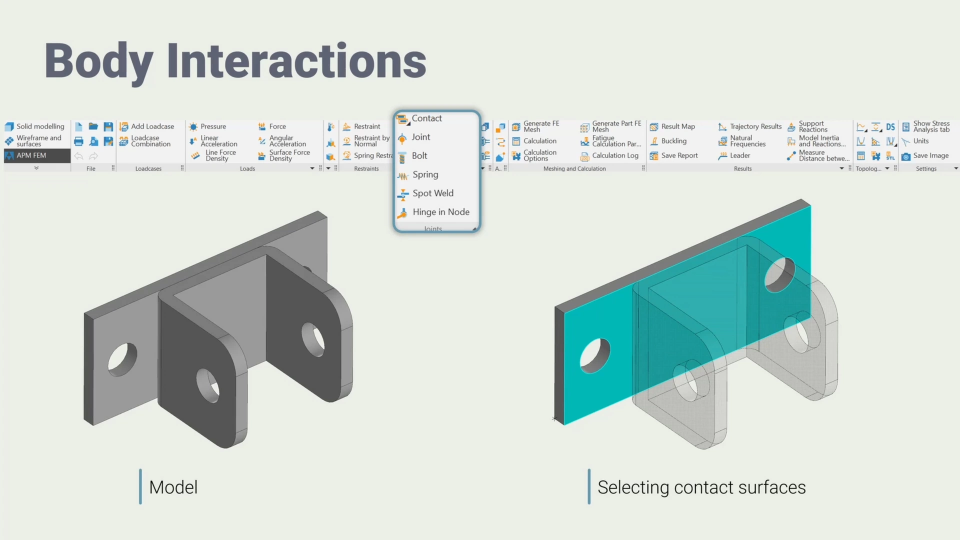
In this lesson, we’ll explore the tools used to define body interactions, loads, and restraints, and learn what tools APM FEM provides for finite element mesh generation.
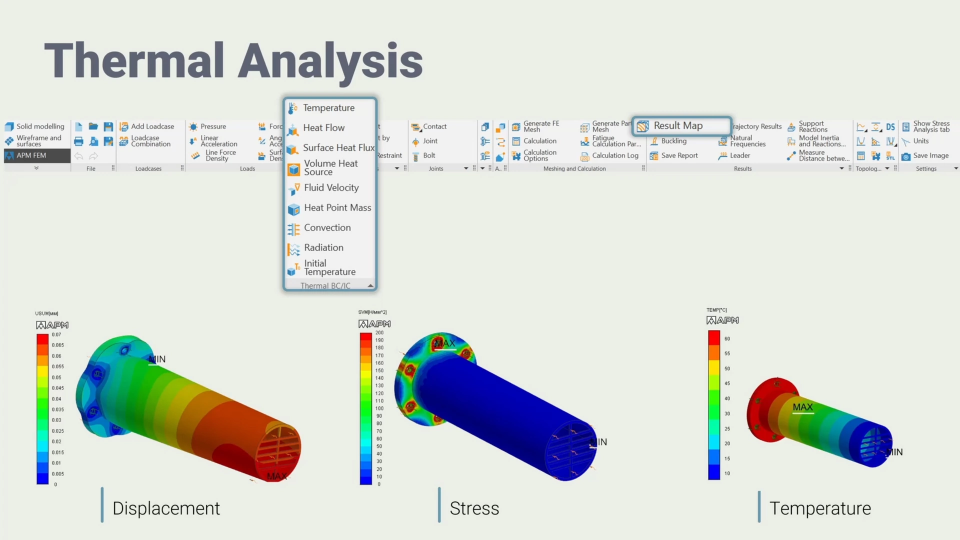
3. Analysis Results, Shells, and Topology Optimization (5:44)
In this lesson, we’ll explore the available analysis types and the concept of topology optimization.
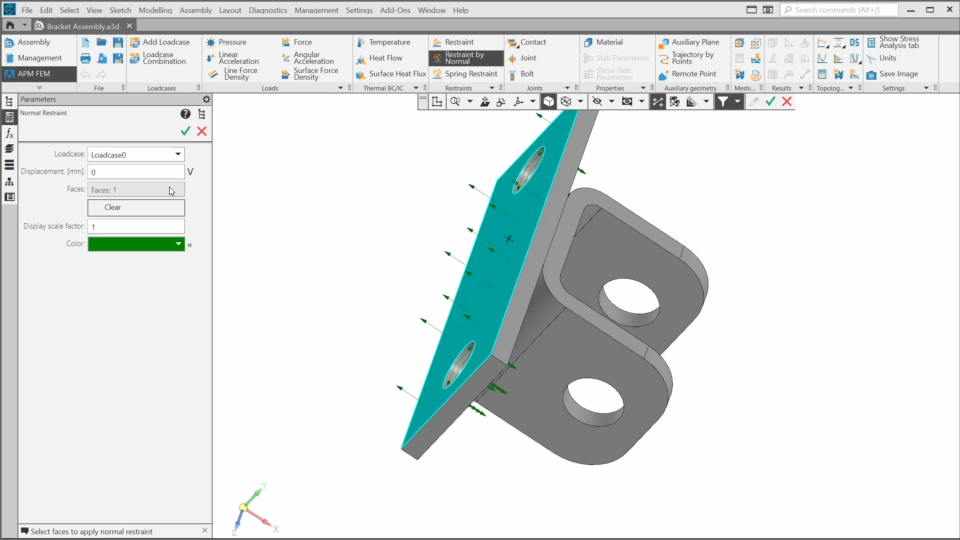
4.1. Practice. Adding Restraints (3:06)
In this lesson, we’ll navigate to the APM FEM toolbar set and apply restraints to the Bracket assembly.
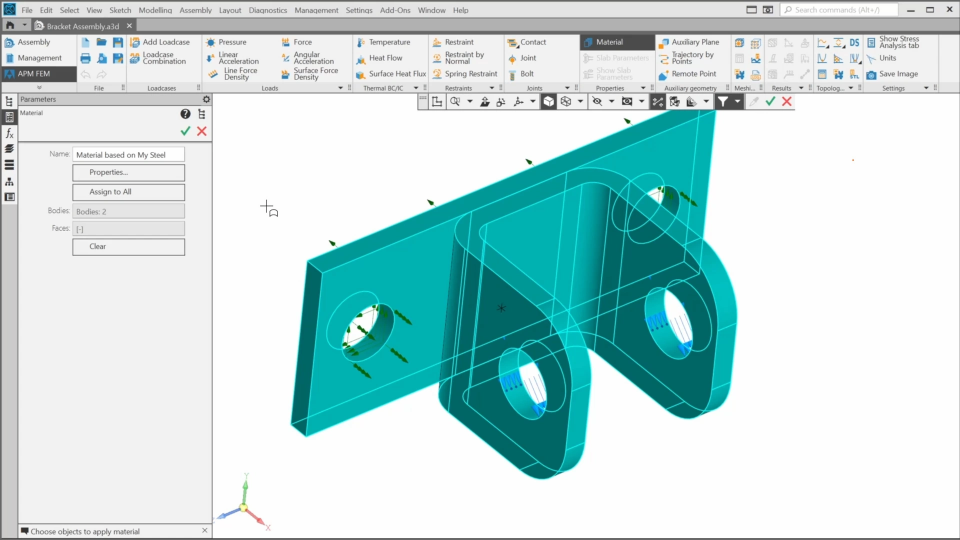
4.2. Practice. Adding Loads and Material (5:24)
In this lesson, we’ll add loads to the assembly and learn more about how load cases work. Then, we’ll assign a material and learn how to modify its properties.
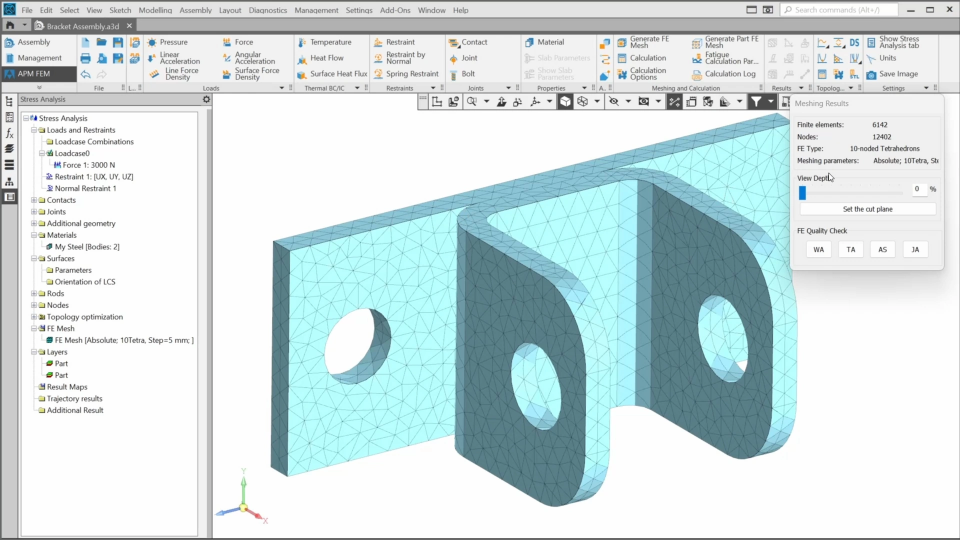
4.3. Practice. Generating Mesh and Adding Contact (5:45)
In this lesson, we’ll adjust and generate a finite element mesh for the structure and define interaction between the bracket components.
4.4. Practice. Performing Analysis (8:17)
In this lesson, we’ll learn how to adjust analysis parameters, perform a linear static analysis, and evaluate the results using color maps.

The content on this page is available to authorized users only. Please sign in.