Online academy: Videos

We use cookies to help provide you with the best possible online experience

Design with ASCON Solutions:
Powerful Functionality • Easy-Learning • Cost-Effective

06 Surface Modeling through the Mouse Design

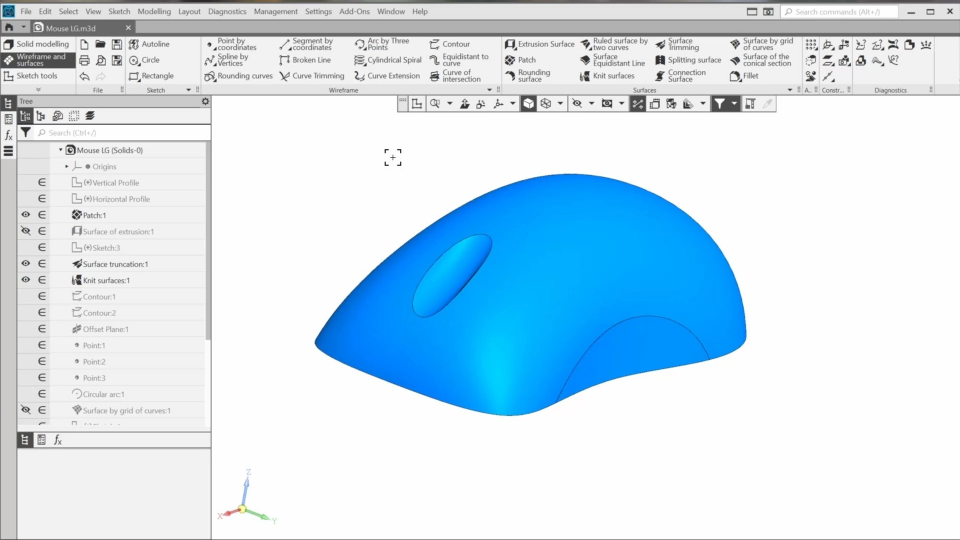
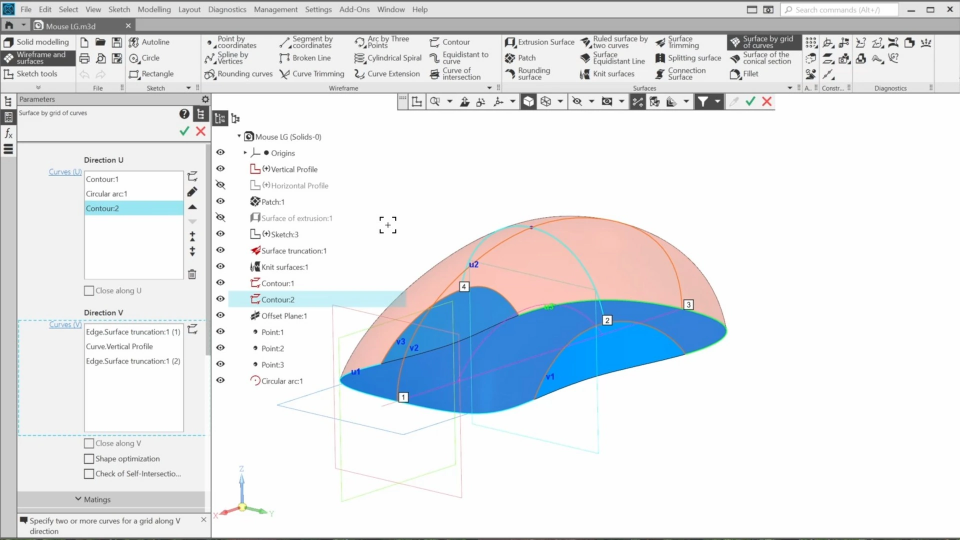
In this course, we will learn basic functionality designed for surface modeling. We will create layout geometry for a computer mouse and use commands such as “surface by grid of curves”, “extrusion surface”, “patch”, and others to form a complex surface.
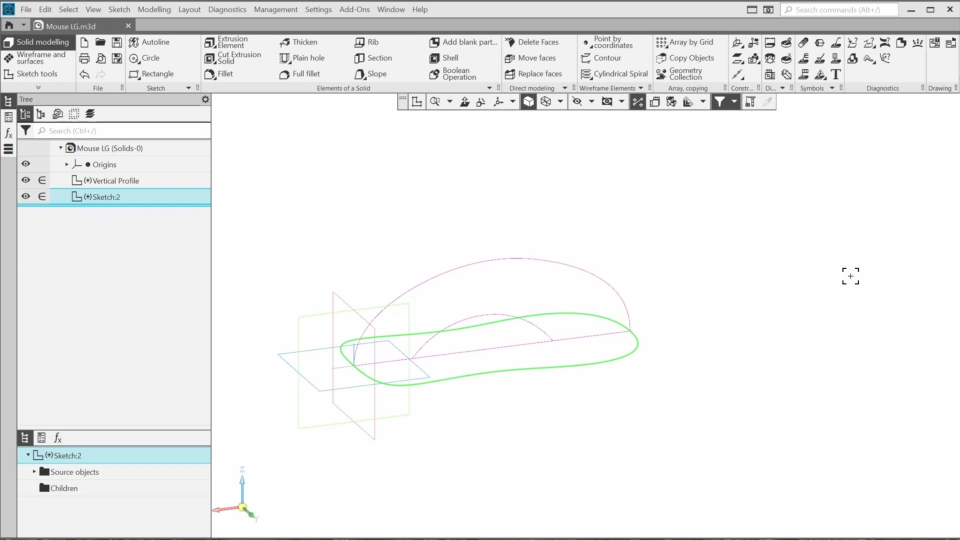
01. Creating the Base Lines (8:13)
In the first lesson, we’ll create a few lines that will be base contours for surfaces.
02. Creating the Mouse Outline Surfaces (4:56)
In this lesson, we’ll create two surfaces for the mouse layout geometry.
03. Creating the Surface for the Mouse Wheel (6:00)
In this lesson, we’ll add a surface that defines the geometry of the mouse wheel.

The content on this page is available to authorized users only. Please sign in.