Course on sheet metal part modeling in KOMPAS-3D

We use cookies to help provide you with the best possible online experience

Design with ASCON Solutions:
Powerful Functionality • Easy-Learning • Cost-Effective

05 Sheet Metal Box

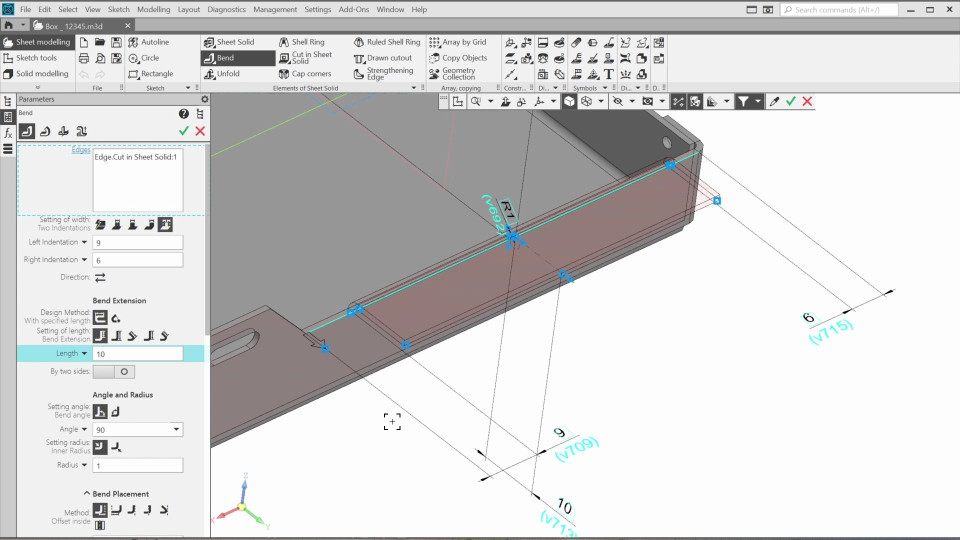
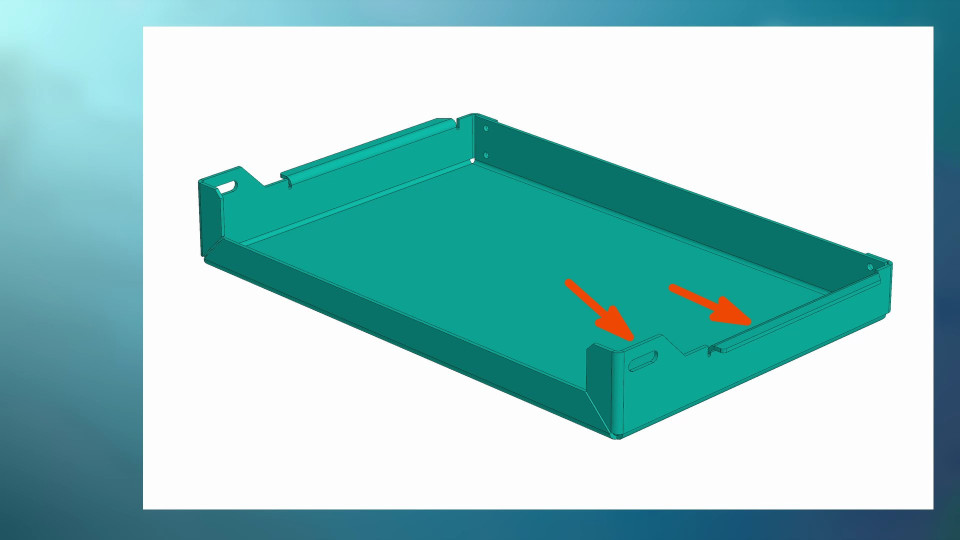
This course covers sheet metal part modeling in KOMPAS-3D. We'll learn fundamental sheet modeling principles by creating a box model using the "Bend" functionality, adding cuts and holes, and generating a drawing with a flat pattern view.
01. Sheet Model Settings (9:13)
In the first lesson, we’ll explore what sheet metal design approaches available in KOMPAS-3D and how to adjust the sheet metal part settings.
02. Creating the Box Sides (6:34)
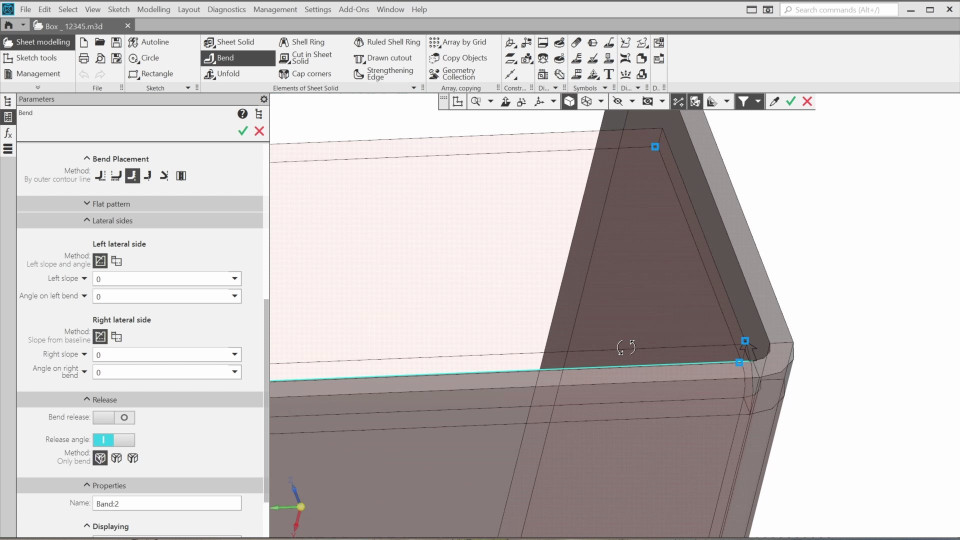
In this video, we’ll create three more bends with corners cut at 45 degrees. And then, we’ll adjust the shape of the lateral sides.
03. Finishing the Box Model (6:17)
In this lesson, we’ll finish the box and try a few more bend settings as well as several ways to copy elements.
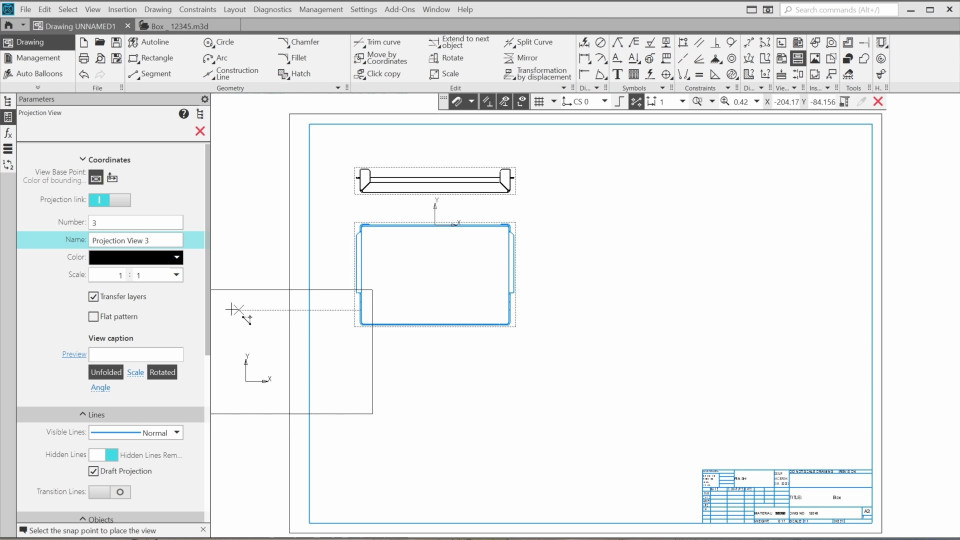
04. Creating the flat pattern and drawing views (3:41)
In this lesson, we’ll create a drawing of the sheet metal box and add a flat pattern view.

The content on this page is available to authorized users only. Please sign in.