
The Certification Test is designed to assess your knowledge and skills in the basic functionality of KOMPAS-3D.
To prepare for the Certification please explore KOMPAS-3D lessons in ASCON Online Academy.
You can find the Certification Test on the ASCON LMS website - https://sdo.ascon.ru/.
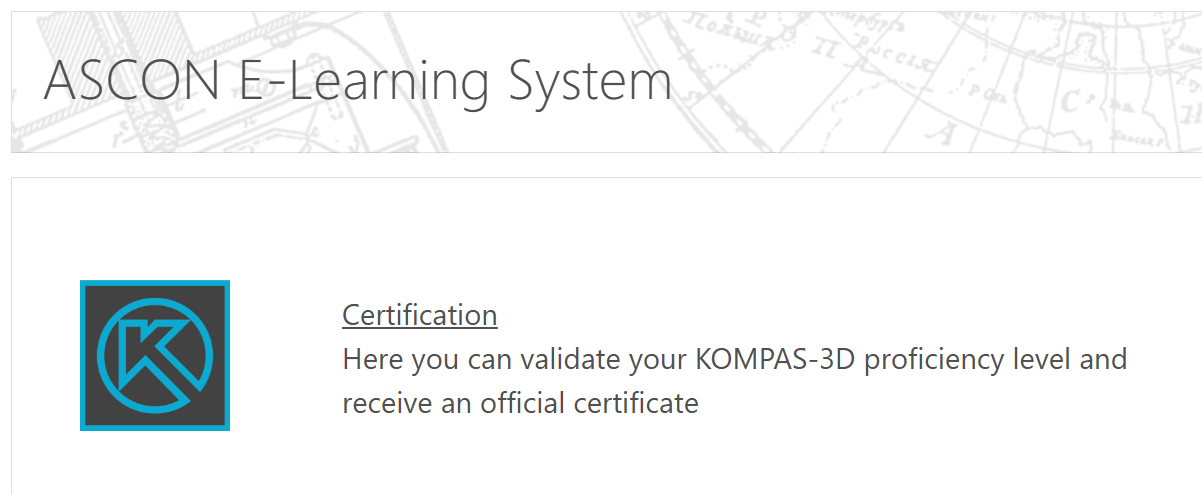
- Click the Certification link. You will see the Certification Test description and one of two buttons:
- The Continue button if you have not registered yet. Click it to go to the login page. Then, click Create new Account to register.
- The Enroll me button if you are logged in. Click the button. This will open the Certification main page. A confirmation email will be sent to the address you provided during registration.
- On the Certification page, you will find:
- A description of the test,
- A link to start the test,
- A link to download your certificate (available once you achieve the required score).
You may begin the test at any time.
This test consists of 42 questions:
- 40 theoretical questions,
- 2 practical questions.
Each correct response to a theoretical question earns 1 point, the first practical question earns 4 points, the second practical question earns 6 points.
The maximum score is 50 points, and a score of 40 or higher is required to successfully complete the test and earn your certificate.
You may use KOMPAS-3D during the test to assist with solving the questions.
You will have 2 hours (120 minutes) to complete all questions.
If you do not pass the test, you may retake it one week after your first attempt. Any further attempts must be spaced at least two weeks apart.
When you achieve the required score, the Get the Certificate link will become available. Click this link to open the certificate page. Then, click View Certificate. The Certificate in PDF format will be downloaded to your computer.